

Checking your FAB balance keeps you in control of your money. It helps you confirm salary credits, track daily spending, and avoid failed payments or extra charges. Regular balance checks also make it easier to spot unusual activity early and plan expenses without surprises.
All Ways to Check FAB Bank Balance
- FAB Mobile App
- FAB Online Banking (Website)
- FAB ATM
- FAB SMS Banking
- FAB Phone Banking
- FAB Customer Care
- FAB Branch Visit
How to Check FAB Balance Using the FAB Mobile App (Recommended)
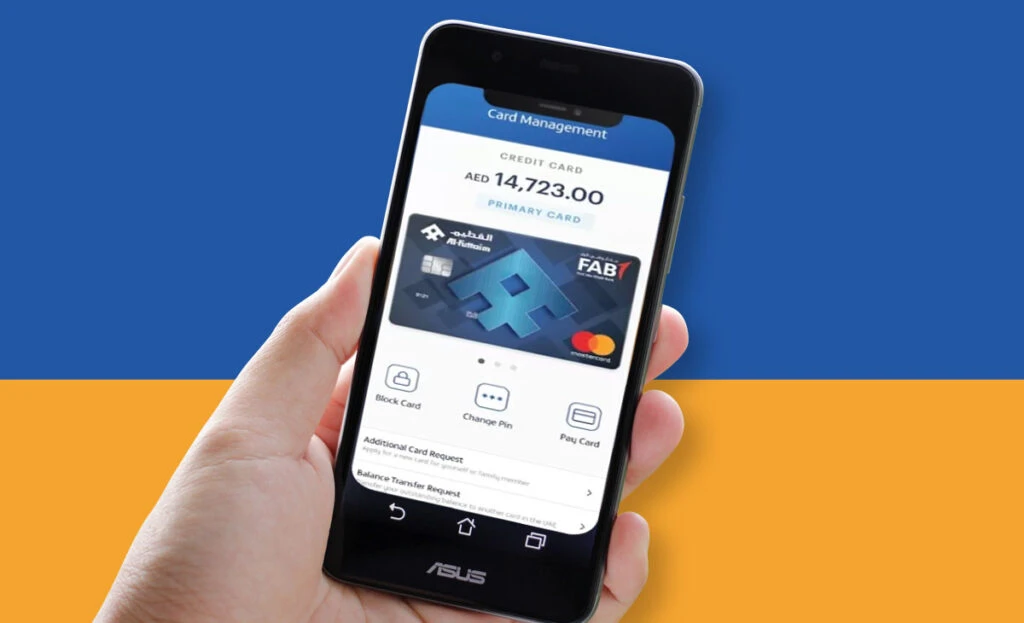
Download & Login
- Download “FAB Mobile” from the App Store or Google Play.
- Open the app and tap Log in (or Register if it’s your first time).
- Enter your Customer ID/Username and Password.
- If the app asks, confirm with an OTP sent to your registered mobile number.
- You land on your dashboard/home screen.
Tip: Only use the official FAB app and avoid downloading look-alike apps.
Balance Display Location
- After login, your balance usually shows on the main dashboard/home screen under your account tile (Savings/Current/Salary).
- Tap the account name to see:
- Available balance
- Current balance
- Recent transactions (latest debits/credits)
(Exact button names can change after app updates, but the balance is always shown on the main account dashboard.)
Common App Issues & Fixes
- App won’t open / stuck on loading
- Update the app from the store
- Restart your phone
- Switch Wi-Fi ↔ mobile data
- Wrong password / can’t log in
- Use Forgot password
- Make sure your phone time is set to Automatic
- OTP not coming
- Check network signal
- Make sure your number is the registered number with the bank
- Wait 1–2 minutes and request again (don’t spam)
- Balance not updating
- Pull down to refresh
- Log out and log back in
- Check if the transaction is still “pending”
If nothing works, contact FAB support.










Read Also: Check NOL Card Balance Online
How to Check FAB Balance Online via Official Website
Login Process
- Go to the official FAB website and open Online Banking.
- Click Login.
- Enter your User ID/Customer ID and password.
- Continue to the dashboard.
Security Verification (OTP / MFA)
- FAB may ask for extra verification like OTP (one-time code) or another security step, especially on new devices/browsers.
- Always type the OTP only on the official site/app. Never share it with anyone.
Viewing Account Details
- After login, open Accounts (or Dashboard).
- Select your account (Savings/Current/Salary).
- You will see:
- Balance
- Available funds
- Recent transactions
- Use the menu for statements/transaction history if you need more detail.
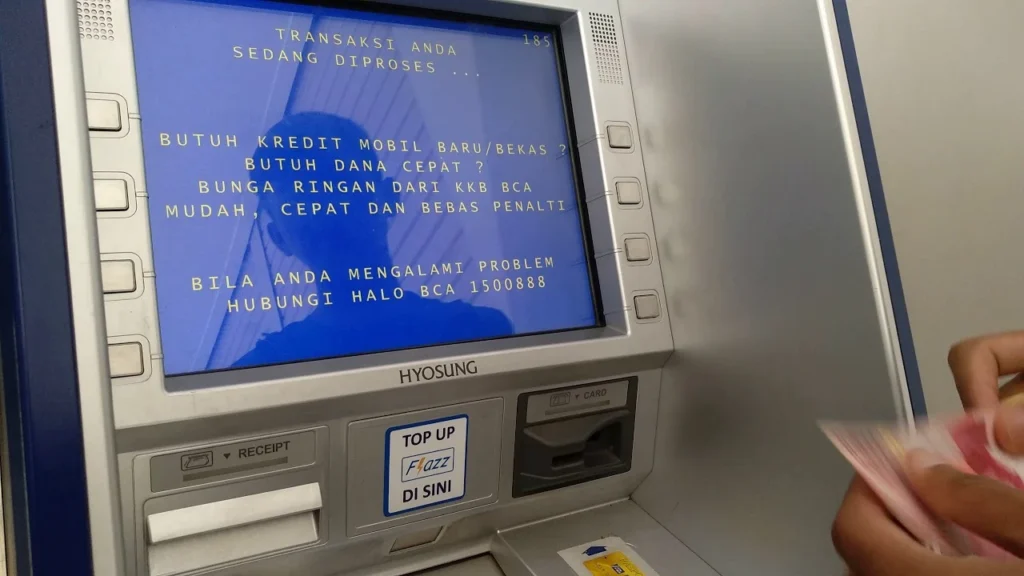
FAB Balance Check via ATM (Step-by-Step)
Finding a FAB ATM
- Use the FAB Branch/ATM locator from the official site “Find the nearest Branch or ATM.”
- Choose a nearby location that is open 24/7 if needed.
Balance Inquiry Process
- Insert your FAB debit card
- Choose language
- Enter your PIN
- Tap Balance Inquiry
- Select the account (if it asks)
- View your balance
- Print receipt (optional)
- Take your card and leave
Common ATM Errors & Solutions
- Wrong PIN / PIN blocked
- Stop trying after a few attempts (retries can block the card)
- Contact FAB support
- Card captured by ATM
- Call FAB immediately and note the ATM location/time
- Transaction failed
- Try another ATM
- Check if the network is down
- Balance not shown
- Try again, choose the correct account type, or use the app/website
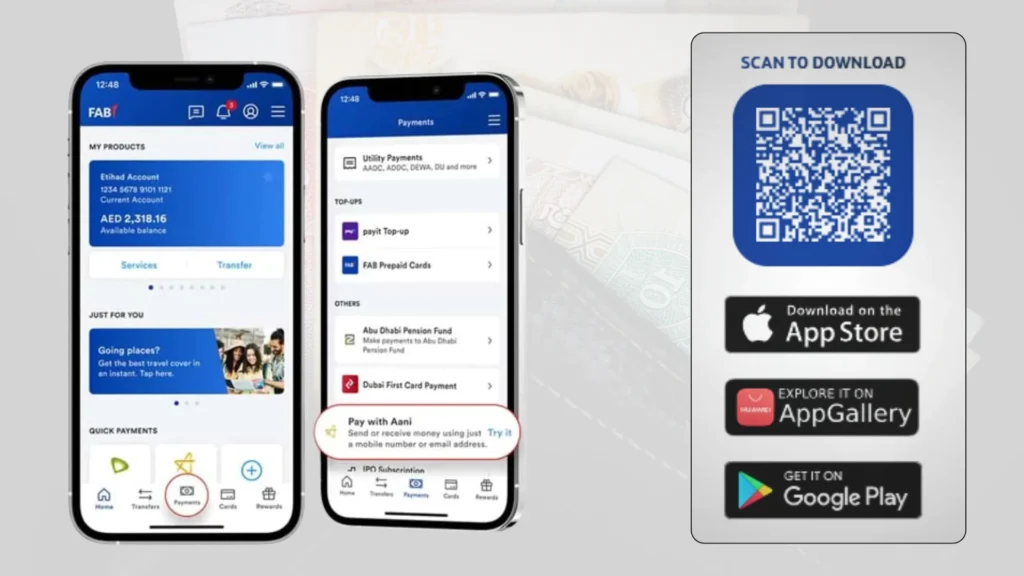
FAB Balance Check via SMS Banking
SMS Banking Registration
- SMS banking usually works only after activation/registration on your account (this setup may be done via bank channels like ATM, app, phone support, or branch depending on your account type).
FAB Balance SMS Format
Many UAE guides commonly mention sending an SMS to 2121 in a format like BAL 1234 (last 4 digits). However, formats can vary by account type and may change over time.
So: treat the SMS format as “confirm first” with FAB support or official instructions.
Troubleshooting SMS Issues
- No reply
- Send from the registered mobile number
- Make sure you have enough credit / SMS service active
- Check you used the exact format
- “Service not available”
- Your SMS banking may not be activated
- Contact FAB to enable it
FAB Balance Check via Phone Banking
Required Verification Details
FAB will verify you before sharing balance. Be ready with one or more of these:
- Customer ID
- Account number
- Debit card details
- Security questions / OTP (if asked)
How to Speak to an Agent
- Call FAB support
- Follow the voice menu for Account Services / Balance Inquiry
- If you want a person, choose the option to speak to an agent
FAB contact numbers are listed on the official contact page.
Services Available via Phone Banking
Besides balance, you can often:
- Check recent transactions
- Get basic account help
- Report issues like card problems or login trouble
(Exact options depend on the menu.)
FAB Salary Account & Ratibi Balance Check
FAB Salary Account Balance Check
- Use the FAB app or online banking to see salary credits quickly (often shows as a credit entry in transactions).
- If you receive salary in a normal bank account, the dashboard shows the updated balance once credited.
Ratibi Card Balance Check
Ratibi is a prepaid salary card (no full bank account needed for many users).
Ways to check Ratibi balance:
- Payit app (popular method)
- ATM (balance inquiry)
- Ratibi support line (if needed)
Salary Credit Verification Tips
- Check your balance before and after payday.
- Look at transactions, not only the balance (you’ll see the salary entry).
- If salary is late:
- Confirm with your employer payroll first
- Then contact FAB/Ratibi support if needed
FAB Balance Check Using Payit Wallet
Linking FAB Account (Ratibi)
- Download Payit
- Create your Payit account
- Choose Ratibi Card linking inside Payit
- Enter your Ratibi details and verify as the app requests
Payit supports linking Ratibi so you can check balance in real time.
Viewing Balance
- Once linked, open Payit → go to Ratibi/Card section → your balance appears there.
Payit Balance Not Updating – Fixes
- Refresh the screen / reopen the app
- Update Payit to the latest version
- Check internet connection
- Unlink and re-link (only if needed)
- Contact Payit support (numbers are listed by FAB)
FAB Balance Check Problems & Quick Solutions
App Not Loading
If the FAB app does not open or gets stuck on loading, the issue is usually technical, not your account.
Quick fixes:
- Check your internet connection (switch between Wi-Fi and mobile data).
- Update the FAB app from the App Store or Google Play.
- Close the app fully and reopen it.
- Restart your phone.
If the problem continues, FAB servers may be under maintenance. Try again later.
Balance Not Updating
Sometimes your balance does not change even after a transaction or salary credit.
What to do:
- Pull down on the screen to refresh.
- Log out of the app and log back in.
- Check the transactions list to see if the amount is pending.
- Wait a few minutes; some credits take time to reflect.
If it stays unchanged for long, contact FAB support.
OTP / Login Errors
OTP or login problems are common and usually easy to fix.
Solutions:
- Make sure your phone has network signal.
- Check that your registered mobile number is active.
- Do not request OTP many times quickly (it may block temporarily).
- Set your phone date and time to automatic.
If OTP still does not arrive, call FAB customer care to confirm your registered number.
ATM or SMS Issues
ATM or SMS balance checks may fail due to system or setup issues.
ATM fixes:
- Try another FAB ATM.
- Enter the correct PIN and avoid repeated wrong attempts.
- If the card is blocked, contact FAB immediately.
SMS fixes:
- Send SMS only from your registered number.
- Use the correct SMS format.
- Make sure SMS banking is activated on your account.
If SMS still fails, activation may be required through FAB support or branch.
FAB Balance Check Methods Comparison
Mobile App vs Website
| Feature | FAB Mobile App | FAB Website |
| Speed | Very fast, opens instantly | Slightly slower |
| Ease of Use | Simple and user-friendly | Better for desktop users |
| Balance Update | Real-time | Real-time |
| Transaction View | Quick and clear | Detailed view available |
| Best For | Daily balance checks | Reviewing account details |
| Winner | FAB Mobile App | — |
ATM vs SMS vs Phone Banking
| Method | Internet Needed | Ease of Use | Best For |
| FAB ATM | ❌ No | Easy | Printed receipt and offline use |
| FAB SMS Banking | ❌ No | Very easy | Quick balance check without internet |
| FAB Phone Banking | ❌ No | Easy | Speaking to an agent for help |
| Winner | — | — | Depends on your need |
Best Method for Daily Use
For most users, the FAB Mobile App is the best choice. It is quick, secure, shows real-time balance, and lets you track transactions easily. Use ATM, SMS, or phone banking as backup options when the app is not available.
Why Regular FAB Balance Checking Is Important
Fraud Detection
Checking your balance often helps you notice any unknown or suspicious transactions early. If something looks wrong, you can report it quickly before it becomes a bigger issue.
Avoid Overdrafts
By knowing how much money is available, you can avoid spending more than your balance. This helps prevent failed payments, extra charges, or card declines.
Track Salary & Expenses
Regular balance checks help you confirm when your salary is credited and see how fast your money is being spent. This makes it easier to understand where your money goes each month.
Better Money Management
When you check your balance regularly, you plan better. You know when to spend, when to save, and when to wait, which keeps your finances stable and stress-free.
FAB Bank Overview (First Abu Dhabi Bank / NBAD)
What is FAB Bank?
First Abu Dhabi Bank, commonly known as FAB, is the largest bank in the United Arab Emirates. It was formed after the merger of First Gulf Bank and National Bank of Abu Dhabi (NBAD). Because of this, many people still search for terms like NBAD balance check, which now refers to the same FAB banking system. FAB serves individuals, businesses, and government institutions, offering modern digital banking along with traditional branch services across the UAE and other countries.
Key Services
FAB offers a wide range of everyday banking services, including:
- Personal and business banking solutions
- Savings, current, and salary accounts
- Debit and credit cards
- Mobile and online banking services
- Local and international money transfers
- Loans, payments, and bill services
These services are designed to help customers manage daily finances easily and securely.
FAB Account Types (Savings, Current, Salary)
- Savings Account
A savings account is used to keep money safe while earning interest. It allows easy access to funds and is suitable for people who want to save while still being able to withdraw money when needed. - Current Account
A current account is mainly used for daily transactions such as transfers, bill payments, and card spending. It is commonly used by salaried individuals and business owners for regular financial activity. - Salary Account
A salary account is designed for receiving monthly salary payments. It offers quick access to funds and often comes with extra benefits such as zero minimum balance (depending on employer agreement) and easy digital access through the FAB app.
How to Open an FAB Bank Account
Via FAB Mobile App
- Download the FAB Mobile App from the App Store or Google Play.
- Open the app and tap Open an Account or Register.
- Enter your mobile number and verify it with OTP.
- Scan your Emirates ID and follow the on-screen steps.
- Fill in basic personal details and select the account type.
- Submit the application through the app.
The entire process is done online, with no branch visit needed in most cases.
Requirements
To open an FAB account, you usually need:
- Valid Emirates ID
- Active UAE mobile number
- Basic personal details (name, address, employment info)
Some account types may ask for additional details, but most personal accounts are simple to open.
Account Activation Timeline
- In many cases, the account is approved within minutes.
- Debit card and banking access are usually activated within 1–3 working days.
- Physical debit card delivery may take a few working days depending on location.
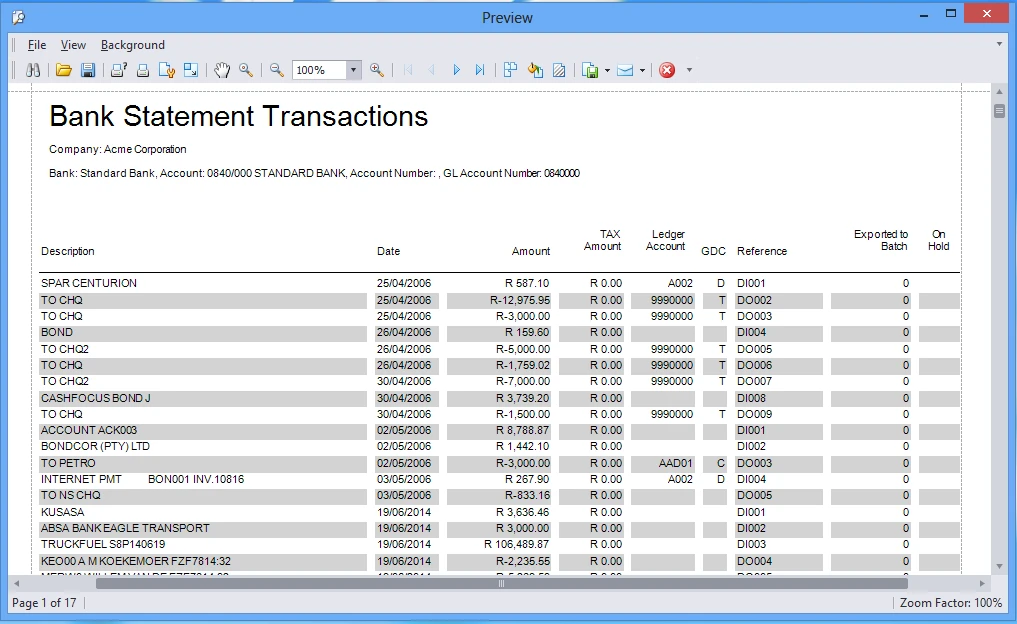
How to Download FAB Bank Statement
Via FAB Mobile App
- Open the FAB Mobile App and log in.
- Select your account (Savings, Current, or Salary).
- Tap Statements or Documents.
- Choose the required date range.
- Generate and download the statement.
Statement Formats
FAB bank statements are usually available in:
- PDF format (most common)
- Ready for printing, sharing, or uploading online
When You Need a Statement
You may need a bank statement for:
- Visa or immigration applications
- Renting a home
- Loan or credit card applications
- Salary or income proof
- Personal record keeping
How to Get FAB Salary Certificate
Step-by-Step Process
- Log in to the FAB Mobile App or Online Banking.
- Go to Services or Certificates.
- Select Salary Certificate.
- Choose the salary account and period.
- Submit the request.
Download & Verification
- The salary certificate is generated instantly or within a short time.
- You can download or share it directly from the app.
- It includes official FAB details and is accepted by most institutions.
Common Use Cases
FAB salary certificates are commonly used for:
- Loan applications
- Credit card requests
- Renting apartments
- Employer or official verification
- Government or visa-related purposes
Conclusion
For most users, the FAB Mobile App is the best and fastest way to check your balance. It shows real-time updates, recent transactions, and works anytime from anywhere. If the app is not available, ATM, phone banking, or SMS are reliable backup options to stay informed about your account balance.
FAQs
What is the minimum balance in an FAB account?
The minimum balance depends on the type of FAB account you have. Some salary accounts do not require a minimum balance, while savings or current accounts may need a specific amount to avoid monthly charges. You can check the exact requirement in the FAB app or by contacting customer support.
What does a blocked amount mean in FAB?
A blocked amount is money that is temporarily on hold and cannot be used. This usually happens with card payments, hotel or car rental deposits, or pending transactions. Once the transaction is completed or cancelled, the blocked amount is released automatically.
How often does FAB balance update?
FAB balances usually update in real time. However, some transactions such as deposits, card payments, or salary credits may appear as pending and update after processing, which can take a few hours or up to one working day.
Is FAB SMS banking free?
FAB SMS banking charges depend on your account type and mobile network provider. Some accounts include free SMS alerts, while others may charge a small fee per message. It’s best to confirm the exact cost through FAB or your telecom provider.
What is the best FAB balance check method for non-tech users?
For non-tech users, checking the balance through an ATM or phone banking is the easiest option. These methods do not require internet access or smartphones and provide clear balance details with simple steps.
