

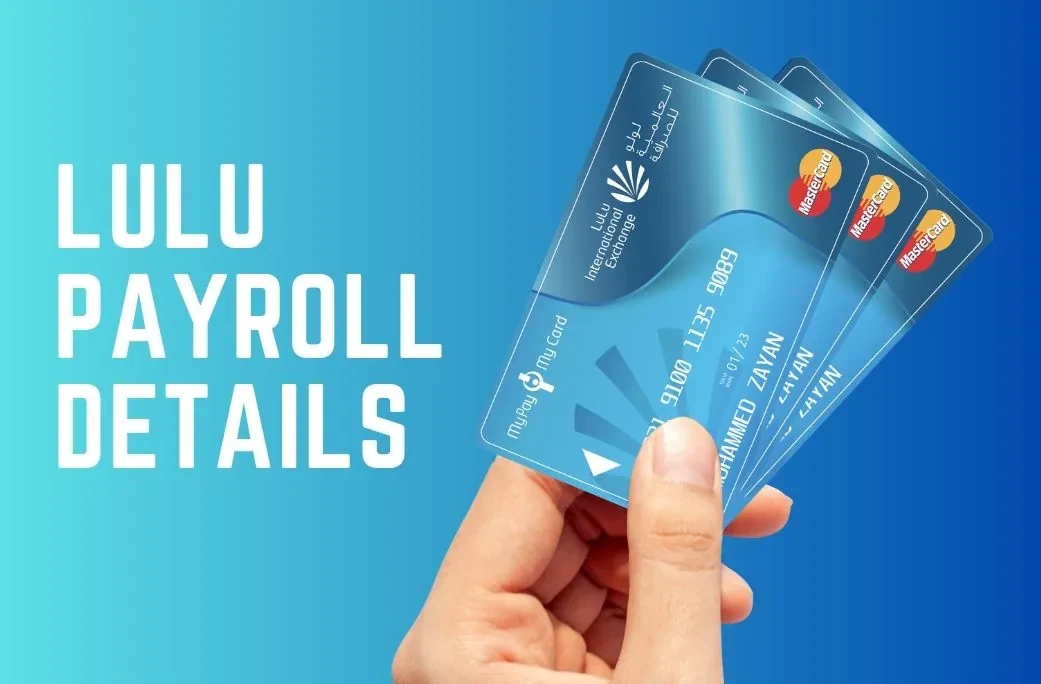
The easiest way to stay updated is by using Lulu fab salary card balance check online. It’s fast and convenient, letting you see your balance without any hassle. You don’t even need to go to the bank. Just use online balance enquiry to keep track of your spending.
The Lulu Salary Card is part of the UAE’s Wage Protection System (WPS), which ensures that your salary is paid on time. By checking your balance regularly, you keep your finances in check and avoid surprises.
4 Easy Methods to Check Your Lulu Salary Card Balance in 2026
There are several ways to check your Lulu Salary Card balance. Each method is simple and convenient, so you can choose the one that works best for you.
1. Lulu Salary Card Balance Check via the Official Website
Checking your balance on the official Lulu website is simple. Here’s how you can do it:
How to Check Lulu Salary Card Balance Online
🌐 Go to the Lulu Website










Open your web browser and go to the Lulu official website. If you’re in the UAE, search for “Lulu Salary Card balance check UAE”.
🔐 Log In to Your Account
Enter your login credentials (username and password). If you haven’t created an account yet, sign up first by following the on-screen instructions.
🗂️ Navigate to the Balance Section
Once logged in, go to the section labeled “Account” or “Balance” to view your card details.
💰 Check Your Available Balance
Your current balance will be displayed clearly on screen. You can also view your available funds and recent transactions.
🔒 Log Out When Finished
Always log out when done to protect your information, especially if you’re using a shared or public computer.
Check Your Balance Here: LuLu Money – Smart and Secure Digital Money
2. Lulu Salary Card Balance Check Using the Mobile App
Checking your balance with the Lulu Money app is a convenient option. Here’s how you can do it:
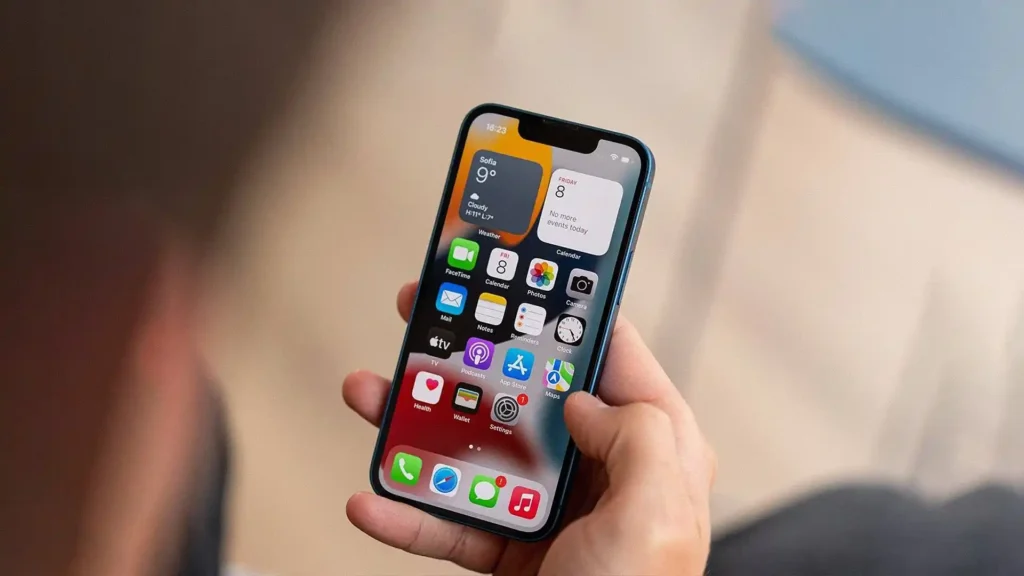
How to Check Balance via Lulu Money App
📥 Download and Install the App
Go to the App Store (iPhone) or Google Play Store (Android) and download the Lulu Money app.
🔐 Open the App and Log In
Open the app and log in using your account credentials. First-time users will need to sign up with their Lulu Salary Card information.
🗂️ Find the Balance Section
After logging in, navigate to the “Balance” section, usually located in the app’s main dashboard.
💰 View Your Balance
Your current balance will be displayed immediately. The app may also show recent transactions and spending history.
🔔 Set Up Notifications
Set up notifications within the app to get alerts whenever your balance changes or you make a transaction.
3. Checking Your Lulu Salary Card Balance Using an ATM
If you prefer using an ATM, you can easily check your Lulu Salary Card balance. Follow these steps:
How to Check Lulu Salary Card Balance at ATM
🔍 Find an ATM That Supports Lulu Cards
Look for an ATM that accepts Lulu Salary Card. Available at various UAE locations — major banks and Lulu Exchange ATMs will allow you to check your balance.
💳 Insert Your Card
Insert your Lulu Salary Card into the ATM, just like any other bank card.
🔢 Enter Your PIN
Type in your PIN (Personal Identification Number) to access your account. ⚠️ Make sure no one is looking over your shoulder when you enter it.
🖥️ Select “Balance Inquiry”
On the ATM screen, select the option for “Balance Inquiry” or something similar to view your available balance.
💰 View Your Balance
The ATM will display your balance on the screen. You can also choose to print a receipt with the balance details for a physical record.
🃏 Eject Your Card and Receipt
Don’t forget to take your card and any printed receipts with you before you leave the ATM.
4. How to Use SMS Alerts for Balance Updates
Setting up SMS alerts is a great way to stay on top of your balance without having to check manually. Here’s how you can do it:
How to Set Up SMS Alerts for Lulu Salary Card
📝 Register for SMS Alerts
Register your phone number with Lulu Salary Card via the app or website. 💡 If you’re unsure how, call customer support for assistance.
🔔 Set Up Balance Notifications
Go to the “Notifications” or “Alert Settings” section in the app or website and select the option to receive salary check number notifications.
⚙️ Choose Your Alert Preferences
Select alerts for specific activities such as low balance, payment made, or new deposit received — set it up according to your needs.
📩 Receive SMS Alerts
You’ll start receiving SMS alerts directly to your phone whenever your balance changes — so you never have to guess.
🔧 Manage Alerts Anytime
You can modify or turn off your alerts anytime in the app or website if you no longer want to receive updates.
With these easy-to-follow steps, you can choose the best method to check your Lulu Salary Card balance anytime, anywhere.
Read Also: FAB Salary Check Online – Easy Methods
Comparing the Best Ways to Check Lulu Salary Card Balance
There are several ways to check your Lulu Salary Card balance, each with its advantages. Let’s compare these methods to help you choose the best option for your needs.
Online vs. App vs. ATM: Which Method is Right for You?
When it comes to checking your Lulu Salary Card balance, each method has its own strengths. Here’s a quick comparison:
Lulu Balance Check — Methods Comparison
| Method | Pros | Cons | Speed | Security | User-Friendly |
|---|---|---|---|---|---|
| 🌐 Online Check (Website) | Accessible from any device, view full history | Less convenient when on the go | Fast (1–2 min) | 🔒 High (Encryption, login required) | Easy for tech-savvy users |
| 📱 Mobile App Check | Easy access, push notifications | Requires app & internet connection | Very Fast (Instant) | 🔒 High (App-specific security) | User-friendly, simple UI |
| 🏧 ATM Balance Inquiry | No internet required, instant access | Limited to ATM locations, no transaction details | Quick (1–2 min) | 🔐 Moderate (PIN entry) | Simple but less flexible |
Which Method Should You Choose?
- If you prefer convenience and checking your balance while on the move, the Lulu Money app is your best option. The app provides real-time updates, and you can set alerts for instant notifications.
- If you’re someone who likes to check balances from a bigger screen or need detailed transaction history, online balance check is a solid choice.
- If you don’t always have internet access or prefer offline checks, ATM balance inquiry might be the most reliable option, though you won’t be able to view transaction details.
Common Issues When Checking Lulu Salary Card Balance
While checking your Lulu Salary Card balance is generally quick and easy, there are a few common issues that users may face. Understanding these problems can help you troubleshoot quickly and ensure that you can access your balance without any delays.
What to Do if Your Balance Doesn’t Update
Sometimes, your Lulu Salary Card balance might not update immediately after a transaction or deposit. Here’s what you can do if this happens:
Lulu Balance Not Updating? Try These Fixes
⏱️ Wait for a Few Minutes
Sometimes transactions take a few minutes to process. Wait a few minutes and check again.
🧾 Check Your Recent Transactions
Verify that your recent deposit or payment is reflected in your transaction history. Recent transactions may not show up instantly due to processing times.
📶 Verify Your Internet Connection
Ensure your internet connection is stable. A weak connection can sometimes prevent balance information from updating on the app or website.
🔄 Clear Cache or Reopen the App
Try clearing the app’s cache or restarting the app. This can help sync the latest balance information. 💡 On iPhone: swipe up to close the app. On Android: go to Settings → Apps → Lulu Money → Clear Cache.
📞 Contact Customer Support
If your balance still hasn’t updated, contact Lulu Exchange customer support. They can help resolve any issues with your account.
How to Solve Balance Discrepancy Problems
If you notice that your balance is different from what you expected, follow these steps to identify and solve the problem:
- Check for Pending Transactions
Sometimes, transactions may be pending and not yet reflected in your balance. Look for any pending payments or withdrawals that might affect your available balance. - Review Transaction Fees
Double-check whether any service fees or charges have been deducted from your balance. Lulu salary card balance check can show you detailed transaction records, which will help you identify if a fee has been applied. - Ensure No Unauthorized Transactions
If you spot any suspicious transactions, contact customer support immediately to report unauthorized activity. Your Lulu Salary Card should be secure, but it’s always good to stay vigilant. - Look at Your Last Deposit Date
Ensure that your salary or deposit has been credited properly. Sometimes deposits might take longer than expected to process. - Get a Transaction Statement
If you still can’t find the cause of the discrepancy, request a transaction statement from Lulu Exchange. This will show a detailed list of all your transactions, helping you track any issues.
Read Also: How to Check FAB Balance in 2026
Extra Features of the Lulu Salary Card You Should Know About
In addition to checking your Lulu Salary Card balance, there are several useful features that come with the card. These features can help you manage your finances more effectively and make your card even more convenient to use.
SMS Alerts: Set Up for Instant Updates
One of the best features of the Lulu Salary Card is the ability to receive SMS alerts. These notifications keep you updated on your balance and transactions, ensuring you never miss a payment or deposit.
How to Set Up Lulu Salary Card SMS Alerts
📝 Register Your Phone Number
Register your phone number with Lulu Salary Card through the Lulu Money app or the website to start receiving SMS alerts.
⚙️ Choose Alert Types
Select the types of alerts you want — balance updates, transaction notifications, or deposit confirmations. Set it up based on your preferences.
⚡ Get Real-Time Updates
Receive instant alerts about any changes to your Lulu Salary Card balance — so you stay on top of your finances without checking manually.
🔧 Manage Alerts Anytime
Adjust your SMS alert settings at any time through the app or website. If you no longer want certain alerts, it’s easy to turn them off.
Customer Care Number & Support for Balance Inquiries
If you ever face issues with checking your balance or have any concerns, Lulu Exchange provides customer support to help you out.
Lulu Salary Card — Customer Support Guide
📞 Contacting Customer Support
Reach out to Lulu Exchange customer care through their dedicated helpline. Available to assist with balance inquiries, transaction issues, or any general questions about your card.
✅ Quick Resolution
Most issues related to Lulu Salary Card balance can be resolved quickly. Support can help fix discrepancies, explain charges, or assist with balance updates.
🔧 Get Assistance with Troubleshooting
Having trouble checking your balance via app, website, or ATM? Lulu Exchange support will guide you through troubleshooting steps to resolve it fast.
Easy Access to Your Funds Anytime
The Lulu Salary Card gives you easy access to your funds 24/7. Whether you’re checking your balance online, via the app, or using an ATM, you can manage your finances at any time.
How to Use Your Lulu Salary Card
🏧 Access Your Funds at ATMs
Use your Lulu Salary Card at ATMs across the UAE to withdraw cash or check your balance — the card gives you instant access anytime.
📲 Tap and Go Payments
Use your card for contactless payments at stores and online — making purchases quick and easy without needing cash.
These extra features enhance the Lulu Salary Card experience, helping you manage your balance and finances effortlessly.
Are You Want? – Check NOL Card Balance Online Fast, Free & Instant
Is Lulu Exchange Safe and Regulated in the UAE?
Security is a top priority when it comes to financial transactions, and with Lulu Exchange, you can rest assured that your Lulu Salary Card is safe and regulated in the UAE.
Understanding Lulu Exchange’s Safety Features
Lulu Salary Card — Security & Protection
🏛️ Regulation by the UAE Government
Lulu Exchange is fully regulated by the UAE government, ensuring all transactions comply with local laws and security standards. Your salary payments, card usage, and transactions are fully protected.
🔐 Secure Transactions with Advanced Encryption
All transactions are encrypted, keeping your personal and financial data safe. Whether checking your balance or making a purchase, your information is always kept secure.
🛡️ Fraud Prevention
Lulu Exchange has advanced fraud prevention systems to detect and block unauthorized transactions. If you suspect fraudulent activity, customer support will help you address it immediately.
Cardholder Protection and Privacy
Lulu Salary Card — Cardholder Protection
🏦 Protected by the UAE Central Bank
Your Lulu Salary Card is protected under the UAE’s financial regulations, overseen by the Central Bank of the UAE. This ensures all cardholder funds are safe and well-managed.
🔏 Data Privacy
Lulu Exchange ensures your personal information is kept private. Only necessary data is shared during transactions, following strict data privacy laws to protect against unauthorized access.
What to Do If You Suspect Fraud or Unauthorized Activity
What to Do If You Suspect Fraud on Your Lulu Card
📞 Immediately Contact Customer Support
If you notice any suspicious activity, immediately contact Lulu Exchange customer support. They will assist in blocking your card, investigating the issue, and ensuring your funds are safe.
🃏 Report Lost or Stolen Cards
If your Lulu Salary Card is lost or stolen, report it to customer support right away to block the card and prevent unauthorized use.
👁️ Monitor Your Transactions Regularly
Make it a habit to check your balance and transactions regularly. This helps you quickly spot any issues and address them before they become major problems.
Why Choose Lulu Exchange for Your Salary Card?
- Reliability: Lulu Exchange has been a trusted financial service provider in the UAE for years.
- Security: With government regulation and advanced encryption, your card and funds are in safe hands.
- Convenience: With easy access to your balance, multiple ways to check it, and helpful customer support, Lulu Exchange makes managing your salary payments effortless.
Conclusion
Checking your Lulu Salary Card balance is simple and convenient, with multiple ways to access your balance quickly. Whether you prefer using the Lulu Money app, the website, an ATM, or setting up SMS alerts, there’s a method that fits your lifestyle. By staying on top of your balance, you can manage your finances more effectively and avoid any surprises. Remember, if you ever encounter issues or have questions, Lulu Exchange customer support is always there to help.
FAQs
How do I check my balance on LuLu?
To check your balance on Lulu Salary Card, you can use several methods. You can log in to the Lulu Money app, visit the official website, use an ATM, or set up SMS alerts for real-time updates. Each method provides quick and easy access to your available funds.
Can I check my balance online using the ATM?
No, you cannot check your balance online using an ATM. However, you can check your balance using an ATM balance inquiry option. Simply insert your Lulu Salary Card into the ATM, enter your PIN, and choose the “Balance Inquiry” option to view your available balance.
What is LuLu money?
Lulu Money is a digital salary payment solution linked to the Wage Protection System (WPS) in the UAE. It allows employees to receive their salary directly on a Lulu Salary Card, which can be used for purchases, withdrawals, and balance checks. It offers a fast, secure, and convenient way to manage your salary.
How do I set up SMS alerts for my Lulu Salary Card?
To set up SMS alerts, simply log into the Lulu Money app or visit the official website. Go to the “Notifications” or “Alert Settings” section, and select the types of alerts you want to receive, such as balance updates or transaction notifications. You’ll start receiving instant SMS alerts whenever your balance changes.
Can I check my balance through the Lulu Exchange?
Yes, you can check your Lulu Salary Card balance at Lulu Exchange locations. They offer balance inquiry services at their branches and can help you access your funds if needed.
What should I do if my balance doesn’t update after a transaction?
If your balance doesn’t update after a transaction, wait a few minutes as transactions can sometimes take time to process. If the issue persists, check your recent transaction history or contact Lulu Exchange customer support for assistance.
How can I report fraud or unauthorized transactions?
If you notice any unauthorized transactions or suspect fraud, contact Lulu Exchange immediately. They will block your card, investigate the issue, and help resolve it quickly. You can reach customer support through the Lulu salary check number.
Is my Lulu Salary Card secure?
Yes, your Lulu Salary Card is secure. It’s regulated by the UAE government and protected by advanced encryption, ensuring that your personal and financial information remains safe. Additionally, Lulu Exchange has fraud detection measures to prevent unauthorized transactions.
How long does it take for my salary to appear on my Lulu Salary Card?
Your salary should be credited to your Lulu Salary Card within the same day it is processed through the Wage Protection System (WPS). However, it might take a few hours depending on your employer’s payroll cycle. Always check your Lulu Salary Card balance for updates.
