

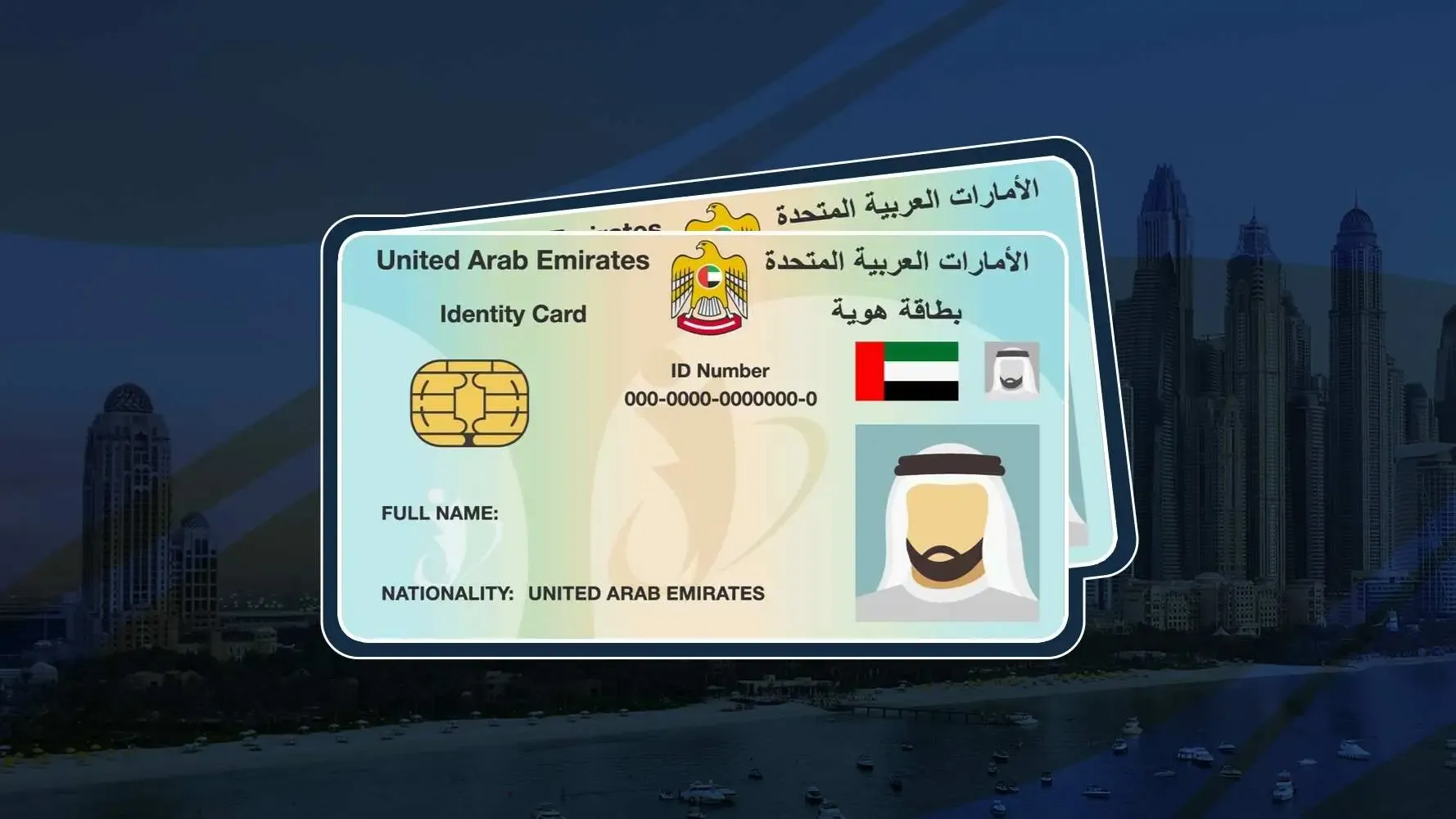
Checking your visa status online is fast and simple. In this guide, we’ll show you how to check your visa status using various methods, including by passport number and through official online channels.
Why You Should Regularly Check Your UAE Visa Status
Checking your UAE visa status regularly is important for several reasons:
- Avoid Fines or Deportation: Overstaying your visa in the UAE can lead to penalties. Checking your status ensures you don’t overstay.
- Know Your Visa Expiry Date: Tracking your visa’s expiration helps you plan for timely renewal or extension.
- Stay Legal: Keeping up with your visa status helps you stay compliant with UAE regulations, avoiding potential legal issues.
Now, let’s explore the easy ways to check your UAE visa status.
Check Your Visa Status in UAE With 5 Easy Ways
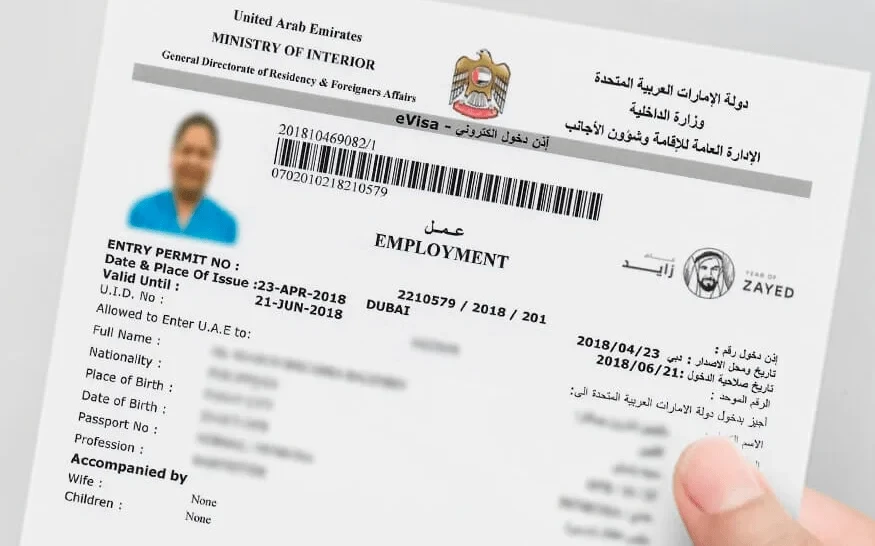
How to Check UAE Visa Status by Passport Number
Checking your UAE visa status by passport number is simple and convenient. Follow these easy steps to find out your visa details online:
- Step 1: Visit the official UAE Immigration website or use the ICA (Identity and Citizenship Authority) portal.
- Step 2: Look for the “Visa Status” or “Visa Check” section on the portal.
- Step 3: Enter your passport number and nationality in the required fields.
- Step 4: Click “Submit” to view your visa status, including validity, issuance, and expiration dates.
This method gives you quick access to your visa information. It’s important to ensure you have the correct passport number and details before you check.
How to Check UAE Visa Status Using ICP
The ICP (Identity and Citizenship Authority) system provides an easy and secure way to check your UAE visa status online. Here’s how you can do it:
- Step 1: Go to the ICP website or use the ICP mobile app.
- Step 2: Select the “Visa Status Check” option.
- Step 3: Enter your passport number and other required details, such as your nationality.
- Step 4: Click “Check” to see the status of your visa.
ICP offers a reliable platform to view your visa status and check other important details such as visa type and validity.










Now, let’s look at how to check your Dubai visa status through the GDRFA.
Checking Visa Status Using GDRFA for Dubai Visas
If you’re checking the status of a Dubai visa, the General Directorate of Residency and Foreigners Affairs (GDRFA) is your go-to portal. Here’s how to check your Dubai visa status:
- Step 1: Visit the GDRFA Dubai website or download the GDRFA mobile app.
- Step 2: Select “Visa Status Check” from the available options.
- Step 3: Enter your passport number and other required details like nationality.
- Step 4: Hit “Submit” to view your visa status and relevant details, such as expiry and issuance dates.
The GDRFA portal makes it easy to track visas issued by Dubai, ensuring you stay informed about your visa status.
How to Check UAE Visa Status for Other Emirates
If your visa was issued outside of Dubai, you can check your visa status for other Emirates like Abu Dhabi, Sharjah, or Ras Al Khaimah through the ICA portal. Here’s how:
- Step 1: Visit the ICA Smart Services website.
- Step 2: Select the “Visa Status Check” option.
- Step 3: Input your passport number and other necessary details.
- Step 4: Click “Check Status” to view your visa details.
This method works for all UAE-issued visas, including those from northern Emirates, making it a convenient tool for residents and visitors alike.
Now, let’s move on to checking your visa status offline.
How to Check UAE Visa Status Offline
While online methods are the quickest, you can also check your UAE visa status offline. Here are the options:
- Step 1: Visit the nearest UAE immigration office or service center.
- Step 2: Provide your passport and any necessary documents to the officer.
- Step 3: Ask the officer to check your visa status. They may require your visa application number or passport number.
You can also check your visa status by calling the relevant immigration department. For Dubai, you can reach the GDRFA contact center, while for other Emirates, you can contact the ICA.
Though offline checks may take longer than online methods, they’re useful if you’re unable to access the internet or if you’re facing any issues online.
Common Issues and How to Resolve Them
Sometimes, you may encounter issues when checking your visa status online. Here are a few common problems and how to resolve them:
- “No Record Found” Error:
- Ensure you’ve entered the correct passport number and nationality. If the problem persists, try again later or contact the relevant authority.
- Ensure you’ve entered the correct passport number and nationality. If the problem persists, try again later or contact the relevant authority.
- Expired Visa:
- If your visa has expired, you may need to apply for a new one or renew it. Check with the immigration office for guidance on renewal.
- Incorrect Visa Details:
- If the details on your visa status are incorrect, contact the visa authority to correct the information.
If you’re still facing issues, it’s best to reach out to the relevant immigration office for support. Now, let’s go over some mobile apps that can make checking your UAE visa status even easier.
Key Authorities and Online Channels for Visa Status Checks
When checking your UAE visa status, you’ll interact with several key authorities and online channels. Each plays a vital role in the visa process.
Overview of UAE Authorities Handling Visa Status
- ICA (Identity and Citizenship Authority): The ICA is responsible for issuing visas for all Emirates except Dubai. They offer online tools like the ICA Smart Services portal to check visa status and apply for services.
- GDRFA (General Directorate of Residency and Foreigners Affairs): For Dubai visa-related matters, the GDRFA is the authority to turn to. They handle Dubai-specific visa applications and offer services through their website and mobile app.
- Other Local Authorities: Depending on your location, other local authorities in Emirates like Abu Dhabi, Sharjah, and Fujairah may provide visa status checks through their respective portals.
Each of these authorities provides secure, convenient ways to check your visa status, either online or via official apps.
Read Also: Check NOL Card Balance Online
Fast, Free & Instant
What’s New in the UAE Visa Checking System for 2026?
The UAE visa checking system is continuously evolving, bringing more convenience and improved services to users. Here’s a look at the latest updates:
Updates and Changes in Visa Checking Process
- New Online Portals: The ICA and GDRFA websites are regularly updated to improve user experience, making it easier to navigate and find visa status information.
- Improved Mobile Apps: Both the ICA and GDRFA have enhanced their mobile apps, offering more functionality, including push notifications for visa status updates and easy access to other immigration services.
- Integrated Services: Visa status checks now integrate with other services like Emirates ID and residency applications, allowing you to manage multiple aspects of your stay in one place.
These updates are part of the UAE’s commitment to offering users a seamless, digital experience for visa and residency management.
Why is It Important to Check Your UAE Visa Status?
Regularly checking your UAE visa status is essential for maintaining legal compliance and avoiding any issues during your stay.
Avoiding Overstaying and Legal Issues
The UAE has strict regulations regarding overstaying visas. By regularly checking your visa status, you ensure that you are always aware of your visa’s expiry date. This helps you avoid fines, deportation, or other legal consequences.
Understanding Your Visa’s Validity and Expiry Date
Checking your visa status helps you stay informed about your visa’s validity period. It allows you to plan for timely renewals or extensions, ensuring you’re always in compliance with UAE visa regulations. Staying on top of your visa’s expiration date prevents unwanted surprises and keeps your stay legal and stress-free.
Mobile Apps and Tools for Visa Status Checking
Checking your UAE visa status has never been easier with mobile apps. These tools allow you to track your visa status on-the-go. Here’s how to use them:
- ICP Mobile App:
- Download the ICP app from your app store.
- Open the app and select the “Visa Status Check” option.
- Enter your passport details and nationality to get your visa status instantly.
- GDRFA Dubai App:
- Download the GDRFA Dubai app from your app store.
- Open the app and navigate to the “Visa Status” section.
- Enter the required details like your passport number to check your visa status.
These apps provide a convenient way to track your visa status, especially if you’re traveling or need to check on the go.
Conclusion
Regularly checking your UAE visa status is crucial for staying compliant with local laws and ensuring a smooth stay in the country. With various easy-to-use methods, including online portals, mobile apps, and offline options, you can quickly verify your visa’s validity, expiry date, and other essential details. Staying informed about your visa status helps you avoid fines, legal issues, and unnecessary delays.
You can check your status using your passport number, through the ICA or GDRFA portals, or with the latest mobile apps. The process is simple and accessible. By checking your visa status regularly, you ensure your travel plans stay on track and that you remain legally compliant in the UAE.
Frequently Asked Questions (FAQ)
How do I check my UAE visa status by passport number?
Visit the ICA or GDRFA website, enter your passport number, and check your visa status.
Can I check my Dubai visa status online?
Yes, you can check your Dubai visa status through the GDRFA Dubai portal or app.
Is there a fee for checking my UAE visa status online?
No, checking your visa status online is free of charge.
What should I do if my visa shows as “Cancelled”?
If your visa status shows “Cancelled,” contact the relevant immigration authority to verify the details.
How long does it take to process a visa status check online?
The process is usually instant, but it may take a few minutes if there are high volumes of requests.
