

Quick Facts Table
| Detail | Information |
| Main balance code | *135# |
| Data balance code | *102# |
| SMS shortcut | Balance to 1355 |
| Postpaid SMS | Rewards to 1233 |
| Mobile app | du app (iOS and Android) |
| Online portal | du.ae self-care |
| Customer care | 155 (free from du) or 800 155 |
| Business support | 800 155 |
| Recharge code | 135card number# |
| Balance transfer | Available via app or by dialling *135# |
About Du
Du is a major telecom operator in the UAE, run by EITC. It serves millions of prepaid and postpaid users across the country. Both plan types can use the same checks and codes below. Prepaid runs on a pay-as-you-go model, while postpaid works on a monthly bill cycle. Every method below works on any du SIM.
USSD Codes For Balance
USSD codes are the fastest option because they work from the dialler. No internet or app is needed.
Here are the main options. Dial *135# for main balance and menu options. Dial *102# for data balance. The du balance check code is completely free for every subscriber, whether on prepaid or postpaid. This du balance check code free service also works when your data is exhausted. If you forgot the du balance check number to dial, just remember *135#. This process is as quick as a fab balance check via a banking app.
Prepaid Balance Check
Prepaid users see remaining credit, active bundles, and expiry dates. USSD is the fastest option.
Dial *135# and press call. Pick option 1 from the menu to view your main balance. The screen shows your credit and any active offer. To see data separately, dial *102# instead. Alerts help you catch a low balance before your service drops.










Postpaid Balance Check
Postpaid users see monthly usage, current bill, and remaining allowance. The tools are slightly different.
Postpaid subscribers can send Rewards to 1233 for a quick balance summary. A du balance check for postpaid inside the du app shows bill amount, add-ons, and payment due date in one place. You can also dial *135# for a menu option that suits postpaid lines. Payment inside the app works like a secure fab salary check session in a banking portal.
Data Balance Check
Data is often the top concern for smartphone users. Du gives you several ways to track it.
Dial *102# for a quick data balance response. You can also open the du app and tap Usage for a full breakdown. A du data balance check inside the app is best when several bundles run at the same time. It shows remaining megabytes, expiry date, and any add-ons in one clear view.
Check Data Balance By SMS
SMS works well in low-signal areas and on basic phones. It also works for older SIMs without USSD support.
Open your Messages app. Type Balance and send it to 1355. You will get an SMS reply within seconds with your credit and any bundle details. This is the standard route on how to check du data balance by sms for both prepaid and postpaid lines. Save 1355 in your contacts under du for easy access.
Check Via The Du App
The du app puts your whole account on your phone screen. It is the easiest option once installed.
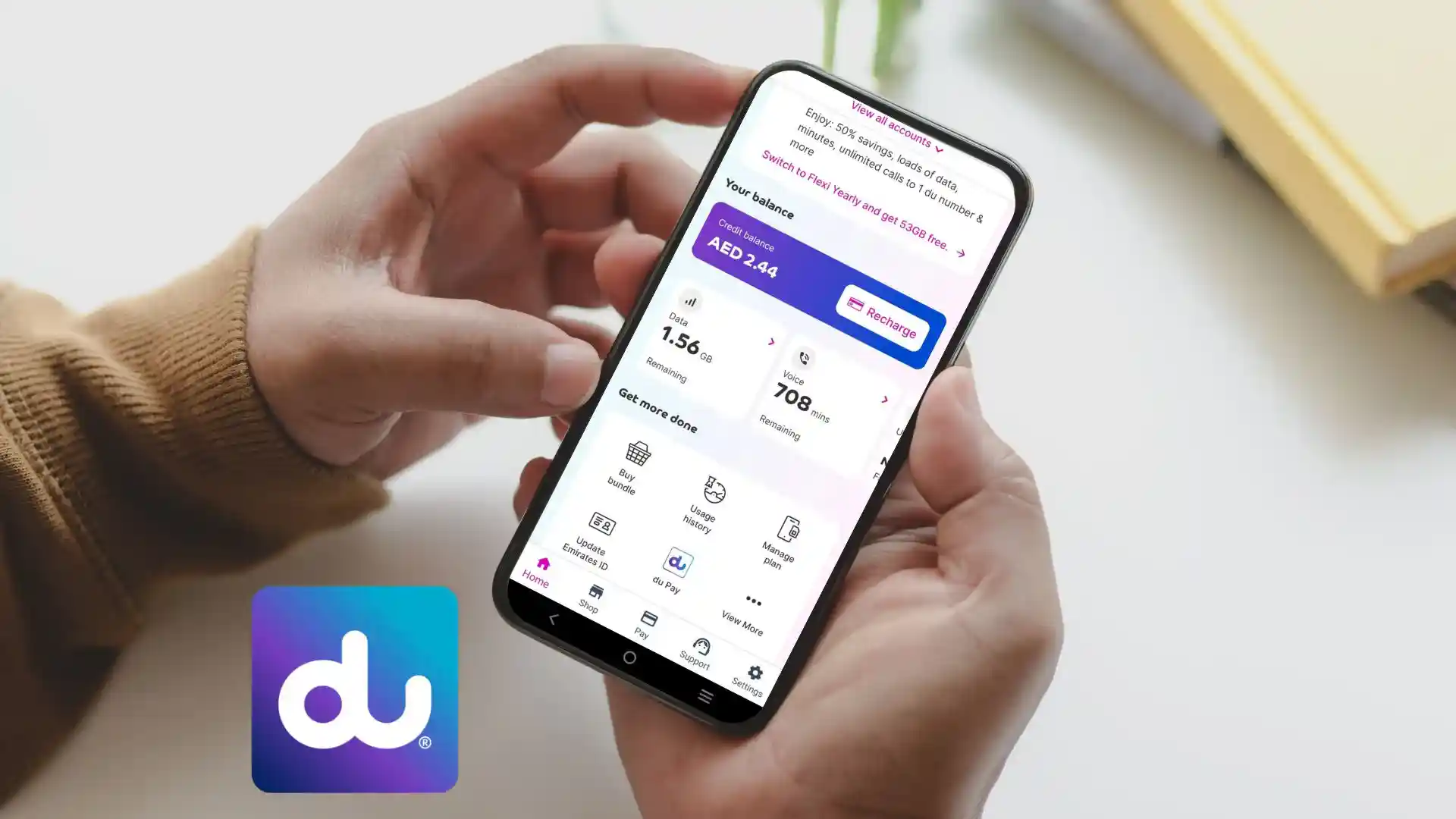
Download the du app from the App Store or Google Play. Log in with your mobile number and OTP, or use UAE Pass. Your home screen shows credit, data, minutes, and any bill amount. Tap Usage for a full breakdown by category. Set up push alerts so you know when your balance runs low, in the same way a monthly lulu balance check reminds you of spending on other cards.
Check Via Online Self-Care Portal
The du website works well when your phone is not handy. It suits laptop users best.
Open du.ae in your browser. Click Login at the top right corner. Pick Consumer or Business, then sign in with your mobile number and password. Your dashboard shows your current balance, active plan, and bill amount. You can also change plans or activate offers from the same screen.
Check Via Customer Care 155
Some people prefer to speak with a person. Du customer care handles balance queries too.
Dial 155 from any du number. Follow the IVR menu to reach balance inquiry. Or wait to speak with a live agent for detailed help. The call is free from every du SIM in the UAE. If you are calling from a non-du line, dial 800 155 instead. Keep your Emirates ID handy in case the agent asks for verification.
Business Plan Balance
Business users often manage several lines at once. Du offers dedicated tools for company accounts.
Log in to the du Business self-care portal or the du app with your business credentials. Pick the line you want to review. If you need help on how to check balance in du postpaid business plan lines, contact the business support desk on 800 155. Fleet managers can also request a monthly usage report by email. This helps track spending across every SIM at once.
Check Your Du Number
Sometimes you forget your own SIM number, especially after switching a device. A quick option fixes that.
Open the du app to see your number on the home screen. Or dial 155 for automated help. A du number check by voice call is often the fastest way. Save your number in contacts under Me for future reference. Some prepaid lines also print the number on the SIM cardholder in your pack.
Recharge Your Du SIM
Recharging is quick once you know your balance. Several options work across the country.
Buy a physical recharge card and dial 135card number#. Or open the du app and pick Recharge from the home screen. Enter the amount and pay with a debit card, credit card, or wallet. A du recharge takes under a minute once the payment clears. Kiosks in malls and petrol stations also accept cash for a du balance recharge. Payment timing works much like a al ansari balance check, where the confirmation shows only after the transfer clears.
Latest Offers Check
Du runs frequent bundle offers, data boosters, and loyalty rewards. A quick lookup helps you use them before they expire.
Open the du app and tap Offers on the home screen. You will see personal offers based on your usage history. Dial *135# and pick the offers menu for prepaid lines. A du offer check should be part of your monthly routine to grab bonus data or free minutes.
Du Vs Etisalat Comparison
The UAE has two major telecom operators. Both offer similar tools but use different codes.
Du uses *135# for main balance, while Etisalat uses *121#. Both offer a mobile app, SMS shortcuts, and online portals. A quick etisalat balance check via *121# gives the same info as *135# on du. If you use both networks for personal and work lines, save both codes in your notes. Bundle prices and coverage vary, so check current offers before switching.
Troubleshooting: Balance Not Updating
Sometimes a fresh recharge takes a moment to reflect. Common issues have simple fixes.
Restart your phone if a USSD code fails to respond. Wait a few seconds between attempts to avoid a temporary block. Refresh the app after a recharge to see the new balance. Bus and metro travellers can track prepaid balance the same way through the hafilat card balance check service. Delays here are similar to a ratibi card balance check, where a top-up takes a short while to reflect after the transfer.
Traffic and telecom systems run on different networks. Use an rta fine check on rta.ae for Dubai traffic penalties. A dubai police fine check on the police site handles police-issued fines the same way. If your balance still looks wrong after an hour, call 155 for direct help. Have your Emirates ID ready for verification.
Safety And Compliance Tips
Protect your account with a few simple habits. Only use official codes and the official du app or website. Never share your account password or OTP with anyone. Turn on SMS alerts for low balance and unusual activity. Refresh the app after every recharge to confirm success. Change your password every few months for extra safety.
Frequently Asked Questions
How can I check my balance in du?
Dial *135# from your du SIM and press call. Your main balance appears within seconds. You can also open the du app for a full account view.
How to do a balance check?
Use the USSD code that matches your plan. Dial *135# for main balance or *102# for data. Postpaid users can send Rewards to 1233.
What is the code for du data?
The main data balance code on du is *102#. You can also send Balance to 1355 or open the du app for a full data breakdown.
Is the balance check free?
Yes. USSD checks and app checks are free for all du subscribers. Some SMS keyword queries may carry a small charge on certain plans.
Why is my balance not showing?
Restart your phone and try the code again. If the issue lasts more than an hour, call 155 for direct help from a du agent.
How do I check my postpaid bill?
Log in to the du app or the du.ae self-care portal. Tap Bills to see your current amount due and download past invoices.
Can I check balance without internet?
Yes. USSD codes and SMS work without any mobile data or Wi-Fi. Only the app and the online portal need an internet connection.
Make du balance check part of your weekly phone routine to avoid any surprise cutoff. Turn on SMS alerts so a low balance never catches you off guard. Use the du app or dial *135# every few days to stay one step ahead and keep your calls and data flowing without any pause.
